About dr plus
Website
The website section is designed to present your practice in a professional and engaging manner, showcasing your expertise, credentials, and patient success stories. It serves as the primary interface for potential and existing patients to learn about your services and connect with your practice.
Perfil profesional
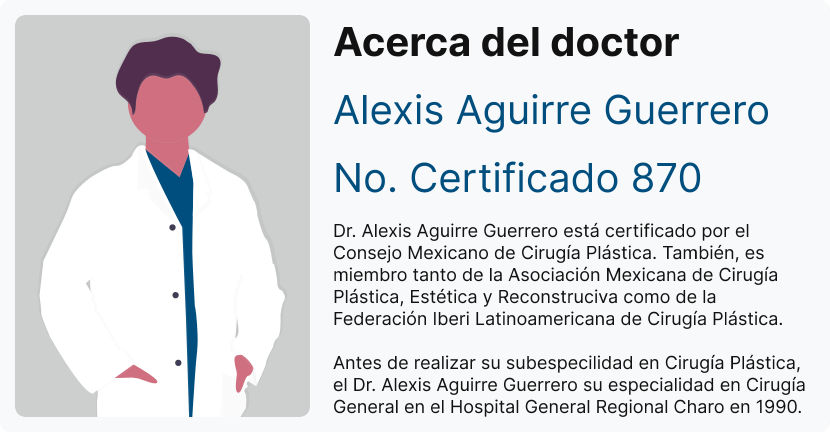
Build credibility and attract potential patients with a detailed profile that includes your experience, certifications, and number of procedures performed, complete with before-and-after images.
Procedures
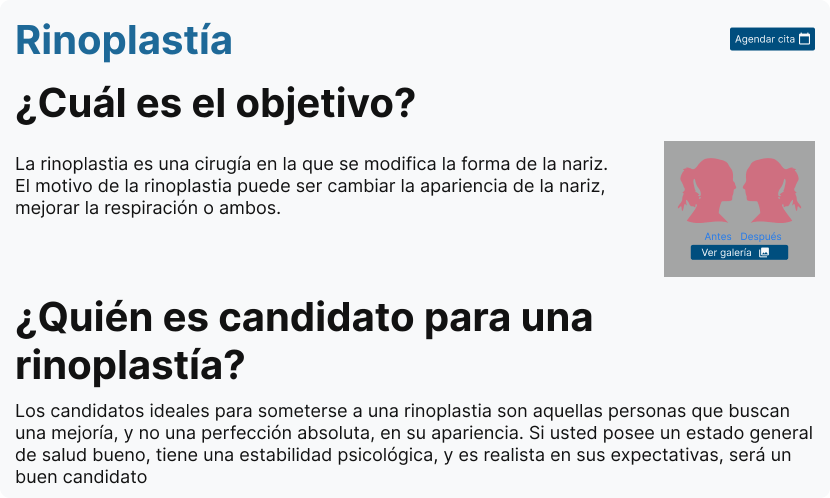
Give your patients all the information they need about the procedures you perform. In addition, visually illustrate your experience and successful results by sharing before and after images of the procedures.
Testimonials
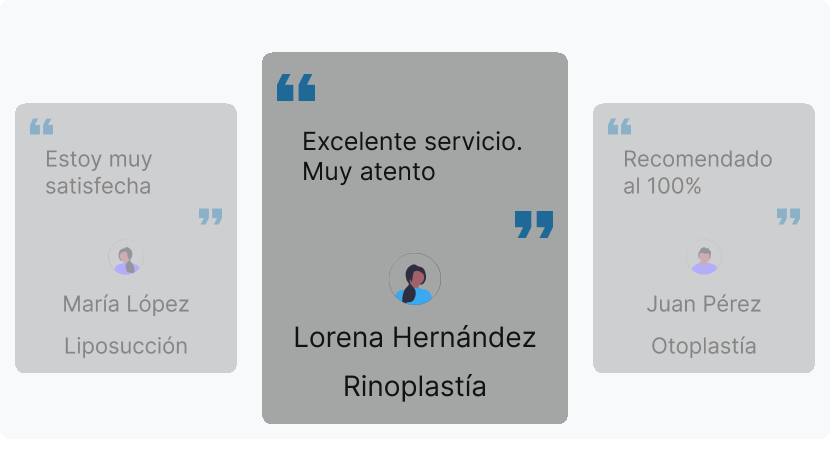
Enhance your reputation and provide social proof with testimonials from satisfied patients.
Blog

Engage and educate visitors with informative blog posts, establishing yourself as a thought leader in your field.
Doctor portal
The doctor portal is a comprehensive tool for managing all aspects of patient care and practice operations. It includes features for handling patient records, scheduling, statistics, and more, all designed to streamline workflows and enhance productivity.
Patient management
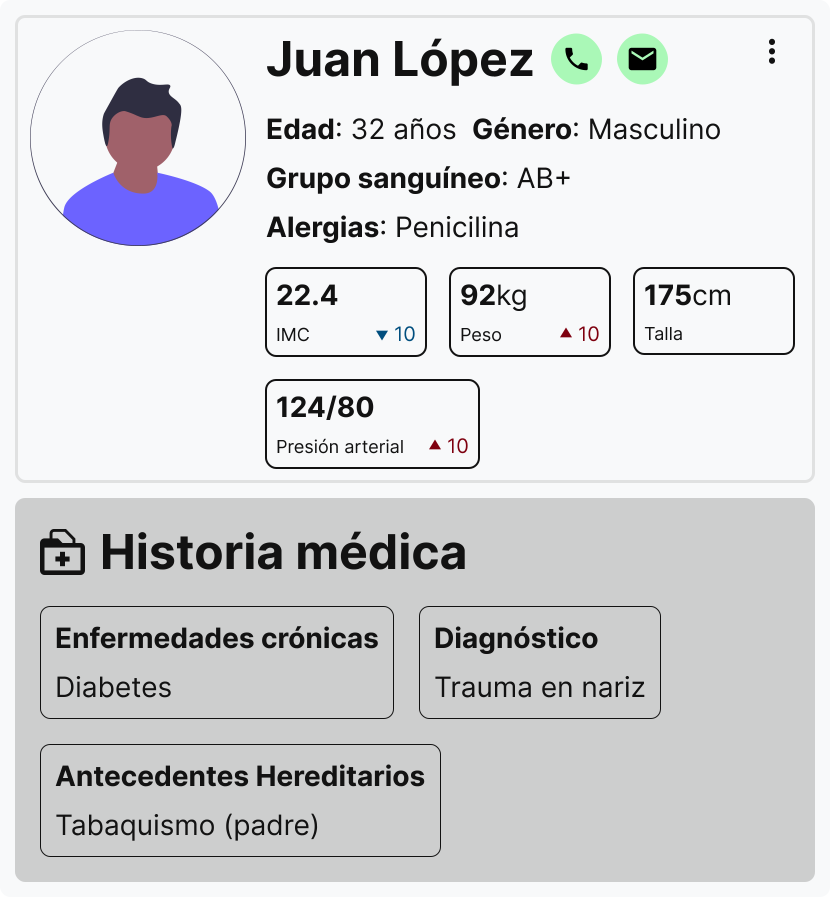
Efficiently manage patient data, ensuring accurate and up-to-date records.
Appointments and procedures scheduling
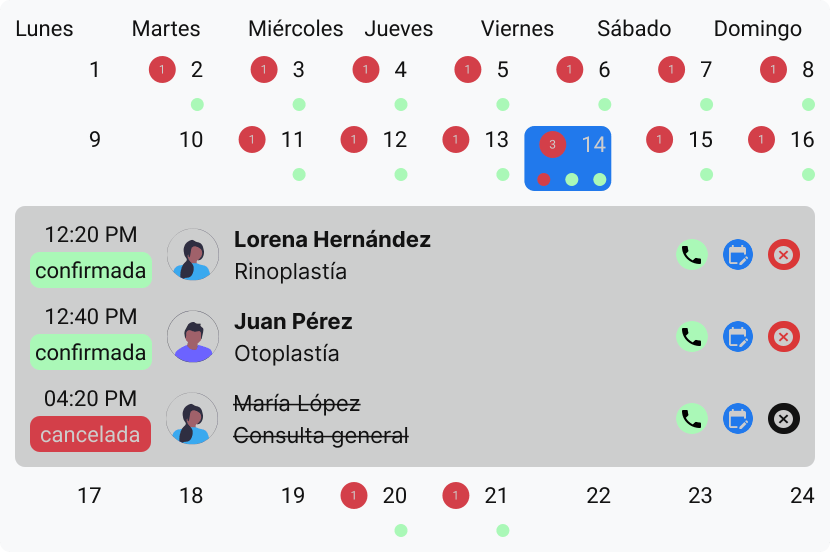
Book appointments and procedures effortlessly, improving operational efficiency.
Pre-consultation instructions and tasks
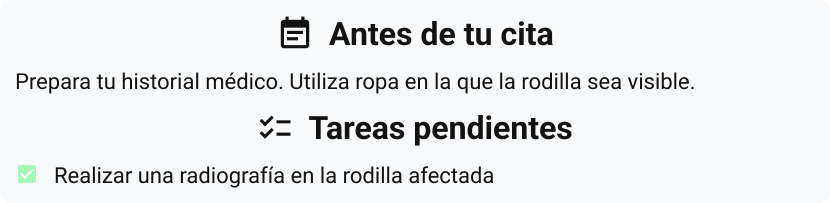
Add instructions that your patients must follow to be ready for your consultation. Additionally, you can include a to-do list so your patients can bring everything they need so you can best assist them.
Video call appointments
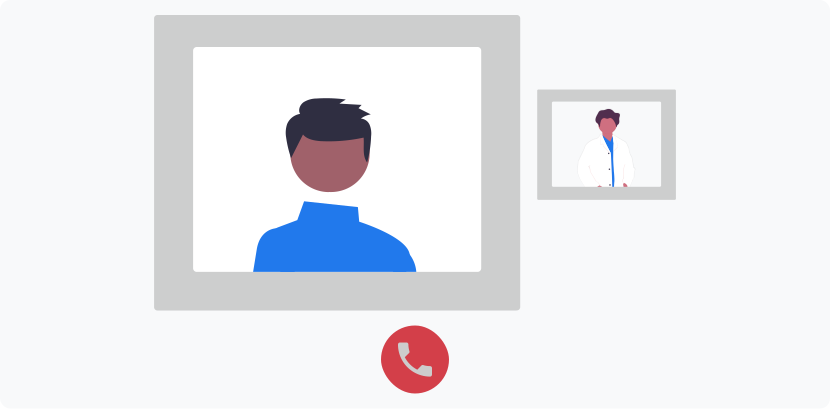
Conduct online appointments via a secure video call system, expanding your reach and flexibility.
Procedure management
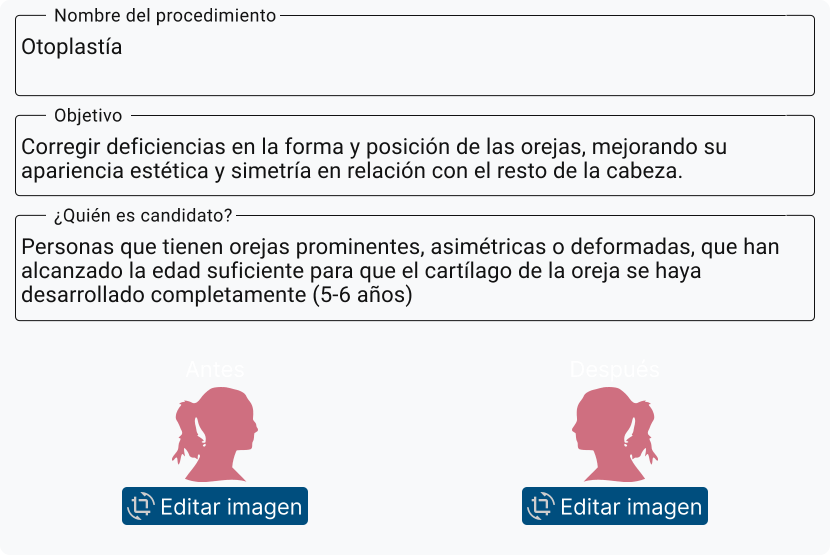
Easily upload and edit procedure details, including before and after pictures, with AI assistance for filling in information.
Statistics
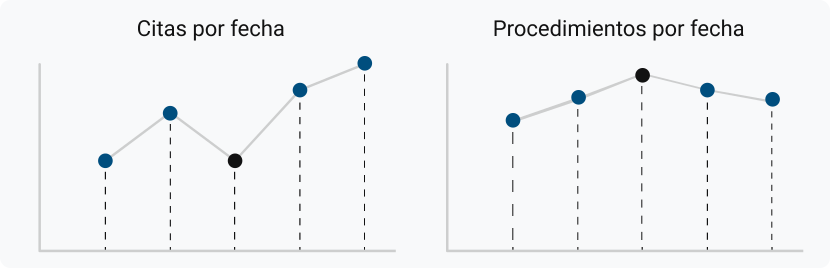
Track and analyze your performance with statistics on appointments and procedures over time.
Payments and Charges
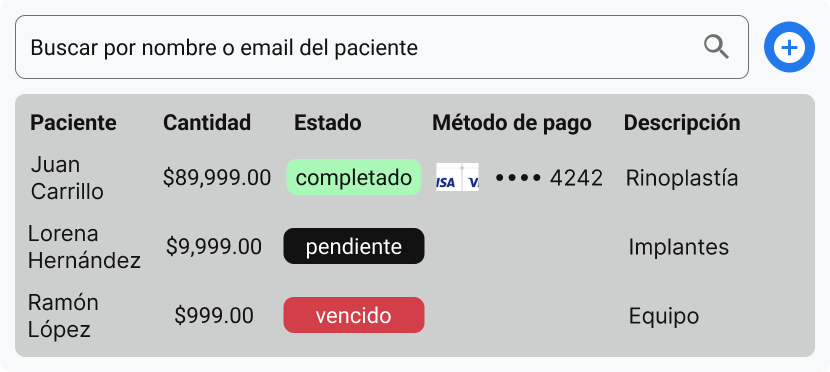
Quickly manage everything related to online payments. You can view all transactions, issue refunds, and generate new charges.
User management
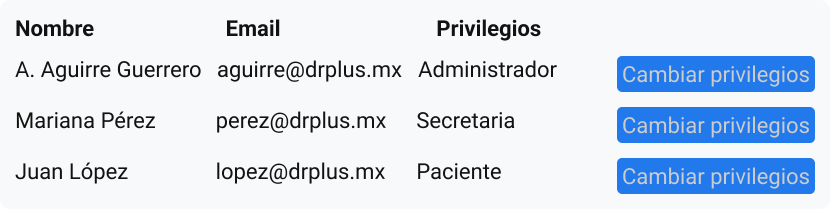
Control access rights, adding or removing users as needed to maintain security and efficiency.
Medical documents management
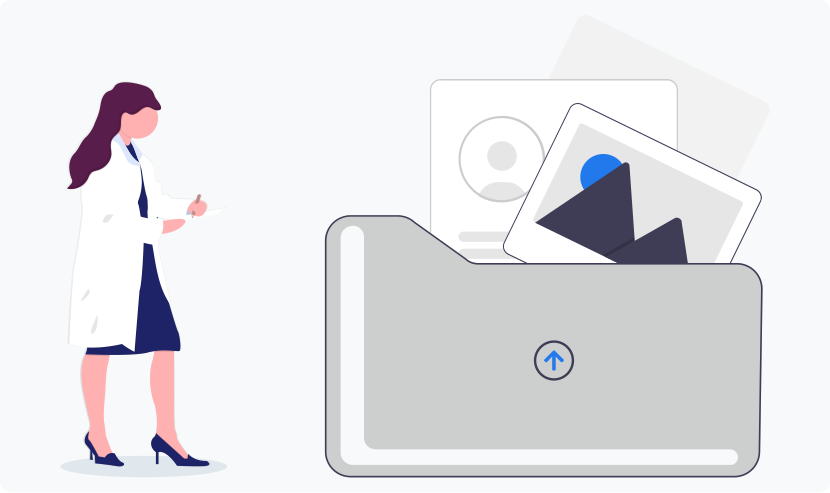
Create, store, and manage important medical documents such as clinical records, consultation notes, prescriptions, consent forms, and clinical analysis requests, ensuring all necessary documentation is organized and accessible.
Customization
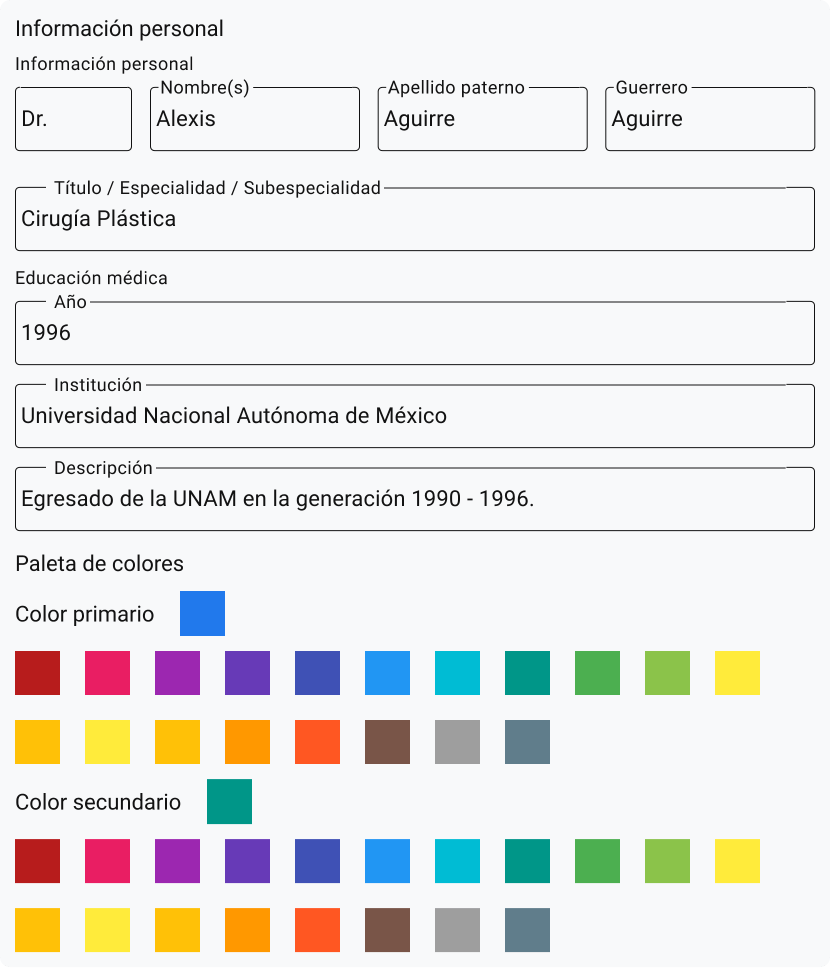
Personalize the platform’s color palette and displayed information to match your brand and highlight relevant details.
Customer messages
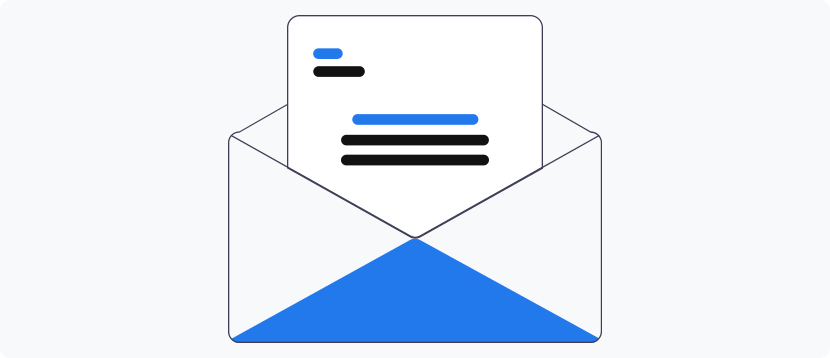
Access and manage contact requests sent from your platform to provide fast and effective communication.
Chat en tiempo real
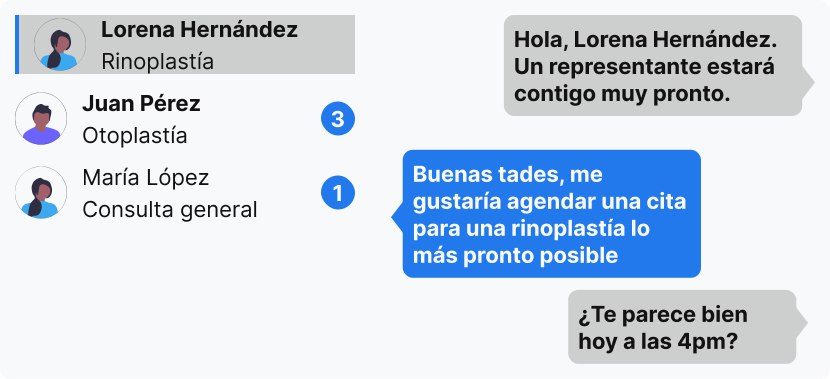
Interact with current or potential patients through a real-time chat system, offering immediate assistance and support.
Patient portal
The patient portal is a user-friendly interface for patients to manage their appointments, access medical records, and communicate with your practice. It empowers patients to take an active role in their healthcare journey.
Appointments and procedures schedule
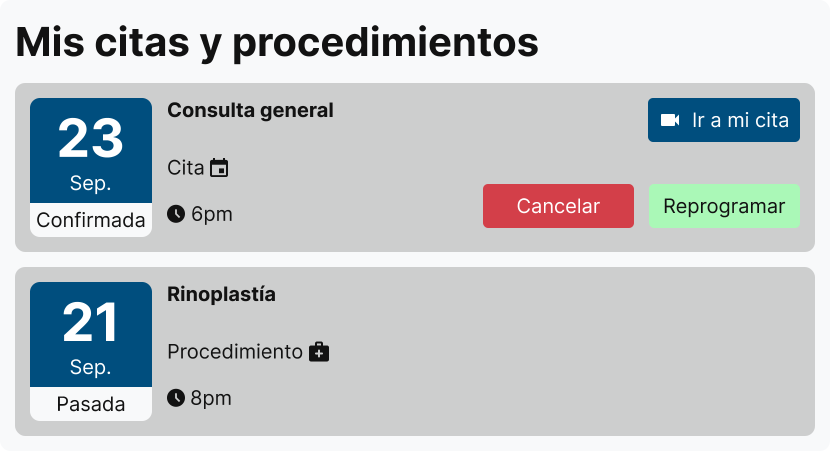
Keep patients informed and organized by allowing them to view and manage their booked appointments and procedures.
Video call appointments
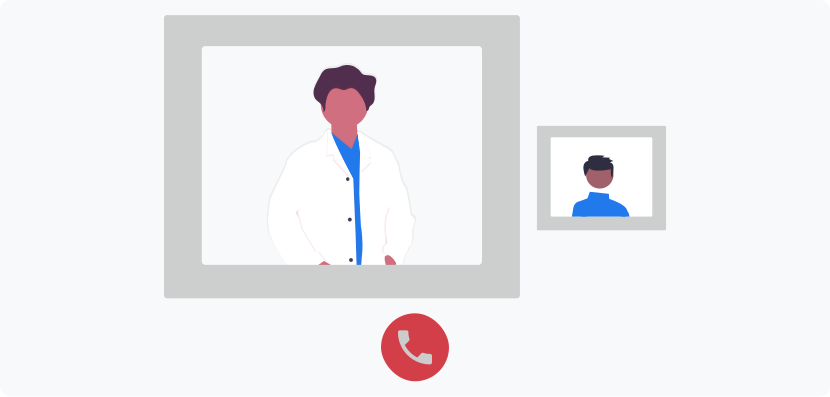
Allow patients to book and attend online appointments via a secure video call system, offering convenience and flexibility.
Document management
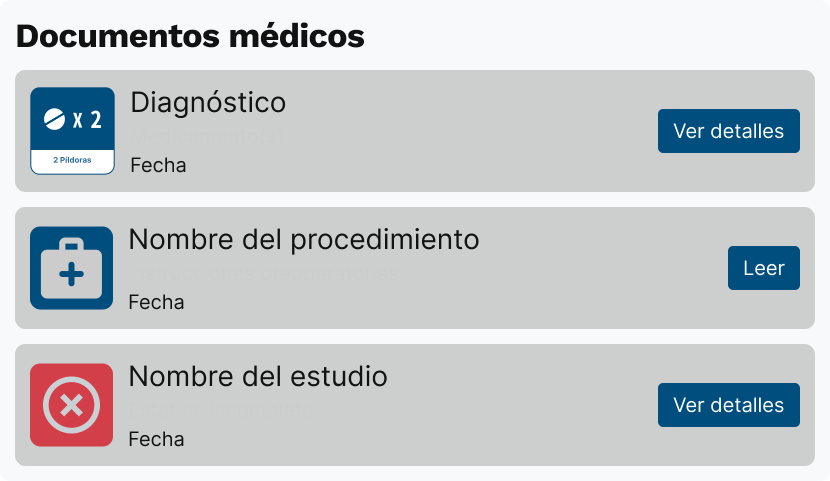
Allow patients to view their current and past prescriptions, pre- and post-operative instructions, and lab requests.
Identity verification

Ensure secure access to personal information by verifying patient identities.
Payments
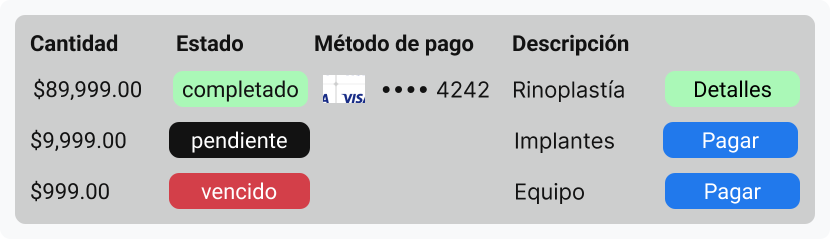
Give your patients quick access to the list of pending charges and payments made.
Secretary portal
The secretary portal provides tools for administrative staff to efficiently manage appointments, communications, and patient interactions. It ensures smooth operational workflows and effective management of patient schedules and messages.
Appointments and procedures scheduling
Efficiently manage bookings for appointments and procedures, reducing the workload for administrative staff.
Customer messages
Access and manage contact requests sent from your platform to provide fast and effective communication.
Real-time Chat
Interact with potential patients through a real-time chat system, offering immediate assistance and support.